Welcome to SpotyQuest XR
SpotyQuest XR (subtitle: Spatial Party) is a collection of hand-tracked party games for Android XR. You play with your own hands, with no controllers: draw a bow, aim a toy cannon, putt a mini-golf ball and chase cheeky monsters around a floating toy deck.
This guide covers 1.0.0-alpha.3, which is in closed testing on Google Play for Android XR. It is an early, experimental release, so things will keep changing.
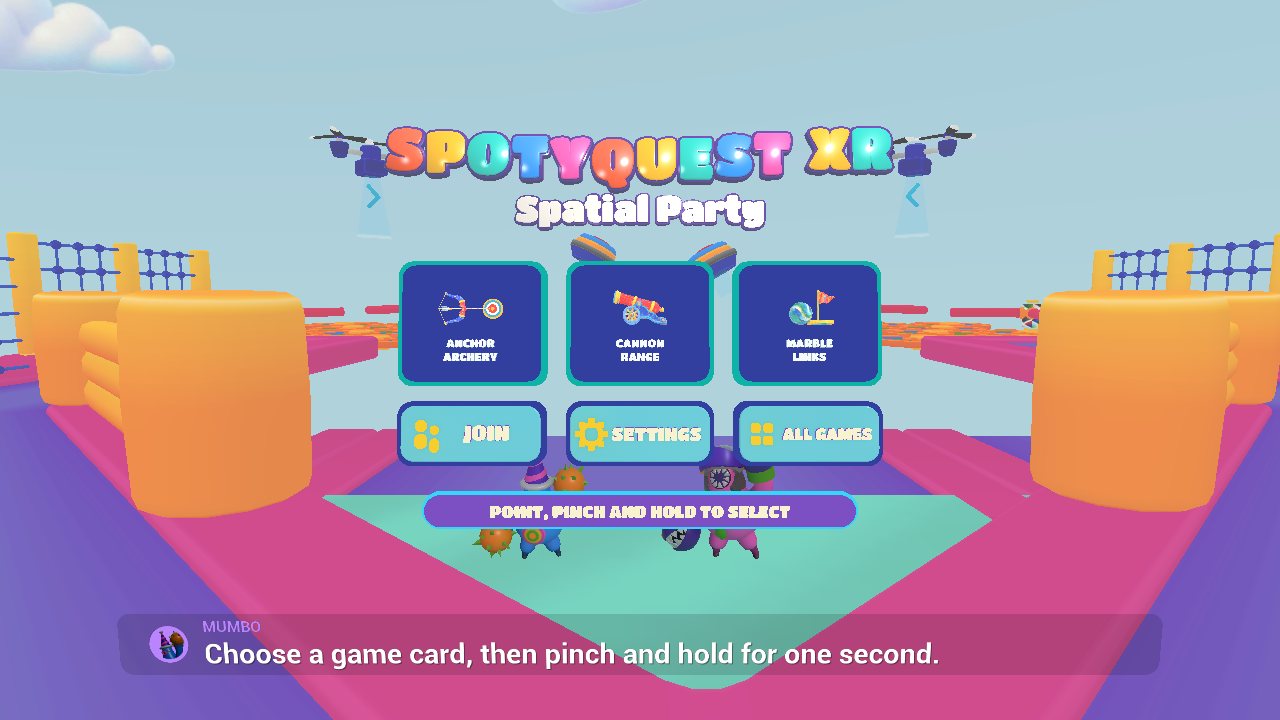
The home hub in FULL VR. A monster guide's caption explains how to choose a game.
Two ways to play
| Mode | What you see | How to turn it on |
|---|---|---|
| Mixed reality | The games are drawn into your real room on a see-through view. Your sofa stays where it is; a toy deck and a floor appear in front of you. | This is the default. |
| FULL VR | Your room is replaced by a bright trampoline-park world, with animated platforms, flight paths and drones you can shoot. A different room is picked each time, so the view keeps changing. | Options → DISPLAY → FULL VR |
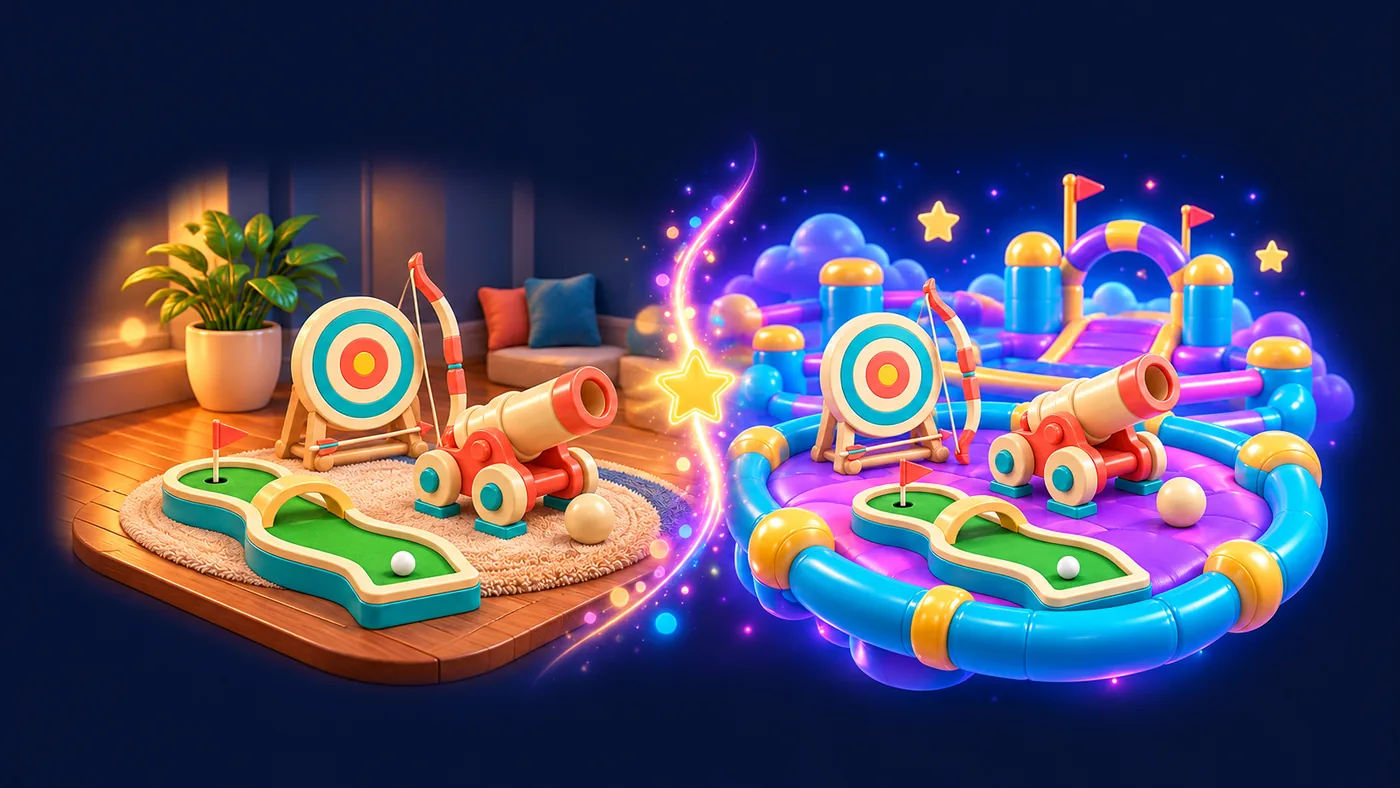
Both modes play the same games with the same controls. Read more in Play area, HUD and transitions.
 Prepare your space
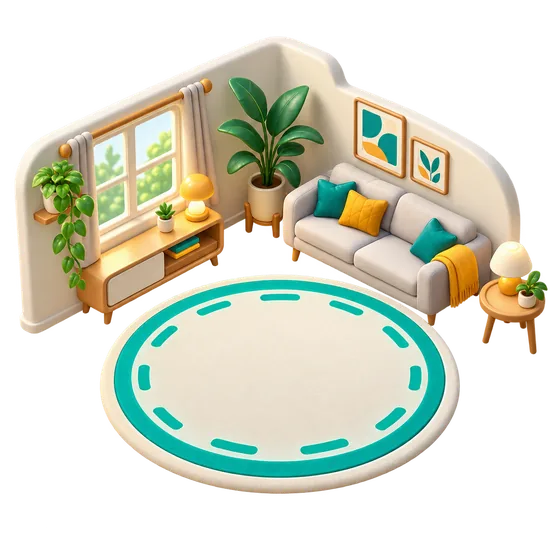
- Clear a floor area of at least 2 × 2 m. You will reach, turn and lean, and the games put controls within arm's length.
- Play in good, even light. Hand tracking uses the device's cameras, and they need to see your hands clearly.
- Keep furniture, people, pets and fragile objects away from your play area.
- Follow your device's setup and boundary instructions.
- Pause if tracking becomes unreliable or you feel uncomfortable.
First launch
- Brand page. The Karey DevLabs page appears while the game gets ready.
- BEFORE YOU PLAY. A short note reminds you about good light, a 2 × 2 m clear floor and that this is an experimental release. To agree, hold the button for one second. You see this note once.
- Home hub. The SPOTYQUEST logo, three game cards and a footer with JOIN, SETTINGS and ALL GAMES. Below the menu there is a toy bench with a bow and a foam-dart blaster, and two monsters come out to play.
How to select anything: point, pinch and hold for one second. You can also hold a fingertip on the button. A small bar fills from red to yellow to green, and the choice happens when it turns green. A quick pinch on its own never selects. More in Hand controls.
Pick a game
Three games are playable in alpha.3. ALL GAMES opens a COMING SOON board with 26 more Spatial Party games on the way.
| Anchor Archery | Cannon Range | Marble Links |
|---|---|---|
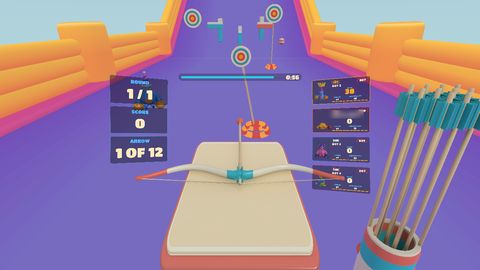 | 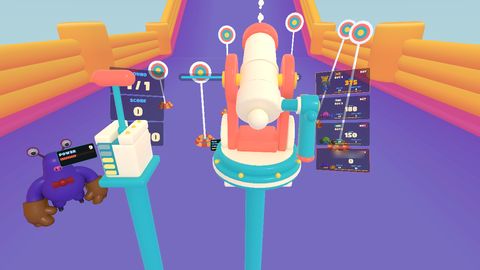 | 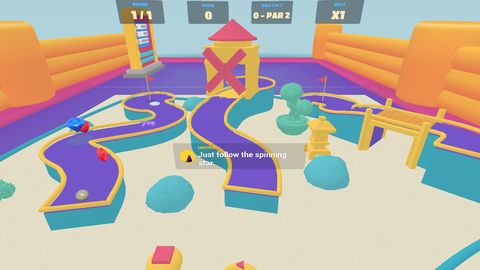 |
| Draw a bow and hit targets at three depths. 12 arrows a round. | Aim a toy cannon with a pistol grip and squeeze to fire. 10 shells a round. | Strike a ball with your fingertip around a three-hole windmill course. |
See every scene, rule and screenshot on the games page.
 Start a round
- Put on your device and complete its hand-tracking setup.
- Open SpotyQuest XR, choose a game card and hold to select it.
- In the lobby, turn the dials for rounds, time, items and starting difficulty. Add bots if you like, or invite friends.
- Start the round with the physical control in front of you. Every round begins with a real button, lever or switch, never a floating "press start" panel.
- Review your result, then choose REPLAY or head back to the hub.
Solo or together. Solo play runs a small game server on your own device, with optional bots. To play with friends on the same local network, one player hosts and the others join from the JOIN board, either from the list of rooms found nearby or by typing the host's room code. Each player plays on their own board in their own space, and the host judges every score, so results are the same for everyone.
Continue with hand controls or troubleshooting. These player pages are public and do not require a Google account.
Join the closed test
SpotyQuest XR is not publicly available yet. To try it:
- Join the tester group: groups.google.com/g/spotyquest-testers
- Opt in on Google Play: play.google.com/apps/testing/com.kareydevlabs.spotyquest. This link works after you have joined the group. Use the same Google account for both.
- Install SpotyQuest XR from Google Play on your Android XR device.
For the full walkthrough and what testers can expect, see the tester page.
Where to get help
- Start with troubleshooting. It covers placement, selecting, hands and joining rooms.
- Email spotyquest@gmail.com. Include the app version (1.0.0-alpha.3), the game name and what happened just before the problem. Please leave out personal information and images of other people.
 App and data at a glance
- App: SpotyQuest XR
- Package:
com.kareydevlabs.spotyquest - Version: 1.0.0-alpha.3 (closed testing)
- Platform: Android XR, with hand tracking on compatible devices
- Camera and hand tracking: Used for interaction and processed on the device by the current app design. SpotyQuest XR does not upload the camera feed or raw hand-tracking frames.
- Local gameplay data: Settings, session state, and scores may remain on the device so the game can work. Uninstalling the app or clearing its storage removes local data.
- Anonymous measurement: Limited anonymous or pseudonymous device, connection, diagnostics, service, and advertising signals may be used to improve the product and support ad monetization. Platform and service providers may have their own collection and privacy policies.
Before using the app, read the Privacy Policy and Terms of Service. Using SpotyQuest XR means accepting both documents. If you do not agree, do not install or use the app.